

Assets
One registry for every machine and piece of equipment, with its full history.
About this module
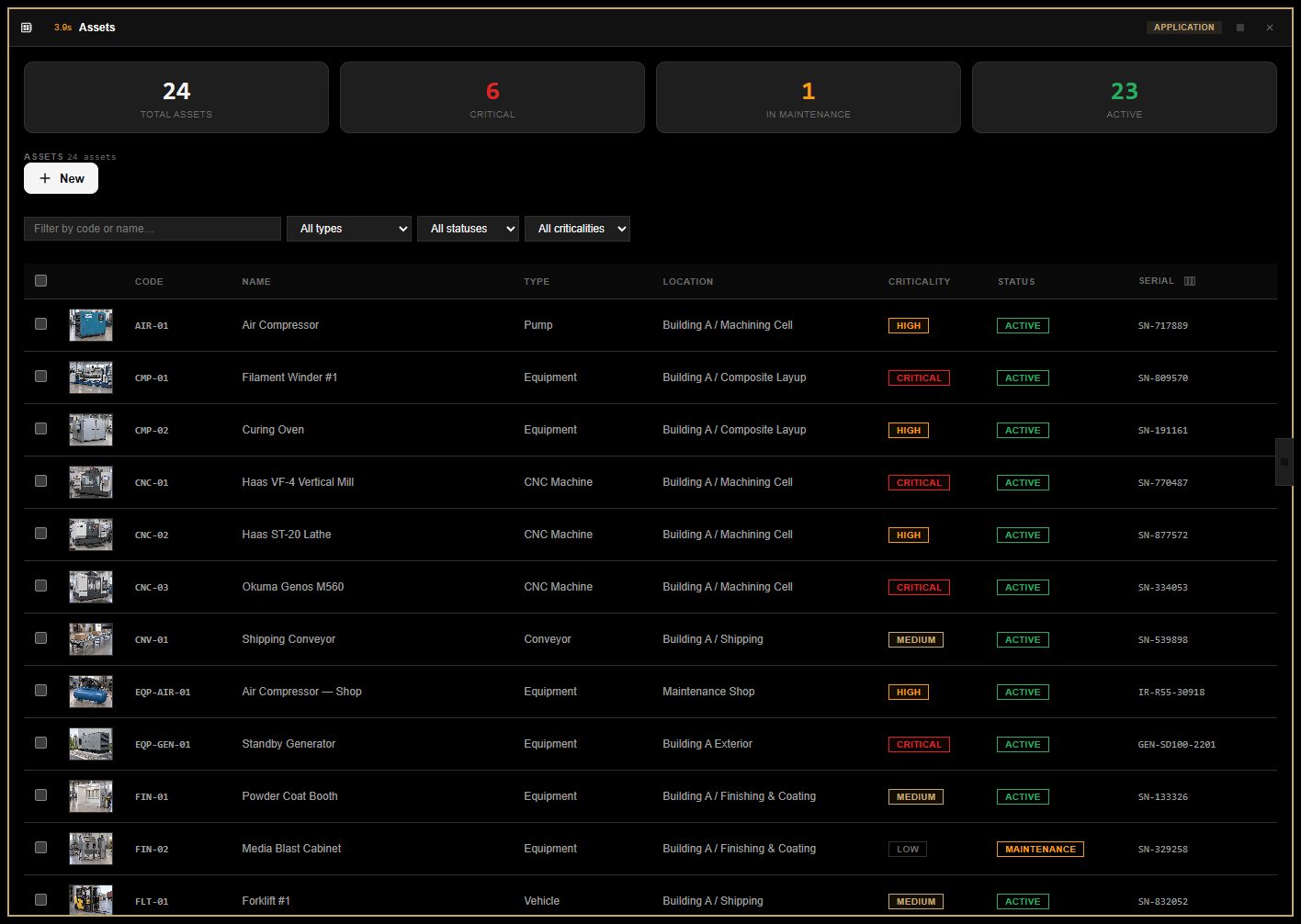
Register equipment with photos and custom attributes, and let AI read the nameplate to fill in manufacturer, model and specs. Work orders, inspections and alerts from other modules all land on one timeline per asset.
What it does
- Photos, nameplates and custom attributes
- AI nameplate reading
- One history timeline per asset across modules
- Criticality and status across the operation
Connected modules. None required.
Assets works on its own. These modules make it better when you have them: they share records automatically.
Uses
Doesn’t need any other module.
Used by
 Inspections & FormsLook up equipment and locations on a formOptional
 Work OrdersPick the equipment from your asset listOptional
 Regulatory ComplianceBring your assets into the compliance scopeOptional
 Digital TwinLink what you see in a room to its asset recordOptional
 Endpoint ManagerRegister each managed machine as an assetOptional
Modules that share its data.
Projects & field work Work Orders
From request to approved close-out, with an AI planner that files work orders from an email.
Assets & IT Endpoint Manager
Health, patches, scripts and remote control for every connected machine.
 Assets & IT
Runbooks
Your company how-to library, walked through step by step.
Build the software your business runs on. Start today.
Start from ready-made modules, describe what is missing and let AI build it, or have our team deliver it end to end through the Success Program.