
Reach the floor. Without VPN gymnastics.
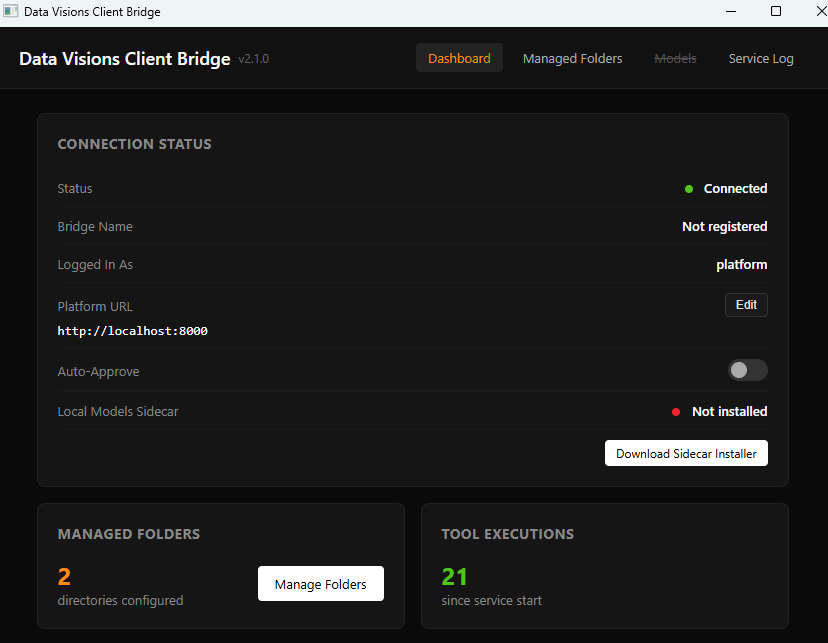
A native Rust client with an embedded Python runtime, installed as an MSIX on the customer's Windows server. Executes platform-dispatched tools on-site — OPC-UA, PLC, SCADA, sensors, ETL — over a single outbound WebSocket.
Watch the floor from anywhere.
The Bridge turns equipment you could only see on-site into a live feed you can watch from a browser. Field devices in, one encrypted WebSocket out, real-time dashboards on the other side.
WebSocket
TLS · tenant-scoped
Outbound-only. Signed. Auditable.
The Bridge runs on the customer's Windows server inside their plant network. It opens one outbound WebSocket to the platform. No inbound ports, no VPN tunnels, no jump boxes.
MSIX-installed
Signed by us, deployable through your existing Windows distribution. Updates are atomic.
Embedded Python
Bridge tool authors get Python's ecosystem for OPC-UA, Modbus, and SCADA libraries — packaged in.
Tool sync over WS
When the platform deploys a new tool, the bridge fetches and warms it within seconds.
Tenant-scoped
Each bridge is bound to a single tenant. It cannot service another.
Dispatch flow.
# modules/scada_ops/bridge_tools.py — runs on the bridge, not the cloud

from platform.sdk import platform_tool, BridgeContext
from asyncua import Client

@platform_tool(
    name="scada.read_throughput",
    description="Read live throughput from the OPC-UA server.",
    target="bridge",
    roles=["operator", "supervisor"],
)
async def read_throughput(
    ctx: BridgeContext,
    line_id: str,
) -> dict:
    async with Client(url=ctx.secret("opcua_url")) as c:
        node = c.get_node(f"ns=2;s=Line.{line_id}.Throughput")
        value = await node.read_value()
        return {"line": line_id, "throughput": value}