
AI & Agents
Agents that know your tenant, your modules, and your operation.
One executor. One tool decorator. One memory. Claude primary, with first-class failover to OpenAI, Gemini, and xAI.
The agent loop
Think → tool → think. Streamed.
The executor runs a tight, observable loop. Tokens stream to the UI over SSE the moment they're produced. Every tool call is logged. The user sees the work as it happens.
01 · prompt
Skill Assembly
System + user + module skills
rolestenant ctxmemory
02 · model
Provider Call
Claude primary, failover ladder
streamingJSON tool schema
03 · tool
Tool Dispatch
@platform_tool or bridge
RBACaudit
04 · think
Reflect
Re-enter the loop
max-iterbudget
05 · stream
SSE to UI
Tokens + tool events
resumable
Provider failover
One ladder, four providers, zero scrambling.
Claude Sonnet is primary because it follows tool schemas the most reliably. When it 429s, slows, or returns an unparsable response, the next provider takes over — transparently, mid-conversation.
| Provider | Role | Strength | Used when |
|---|---|---|---|
| claude-sonnet-4.5 | Primary | Tool-use, long context, judgment | Always, first. |
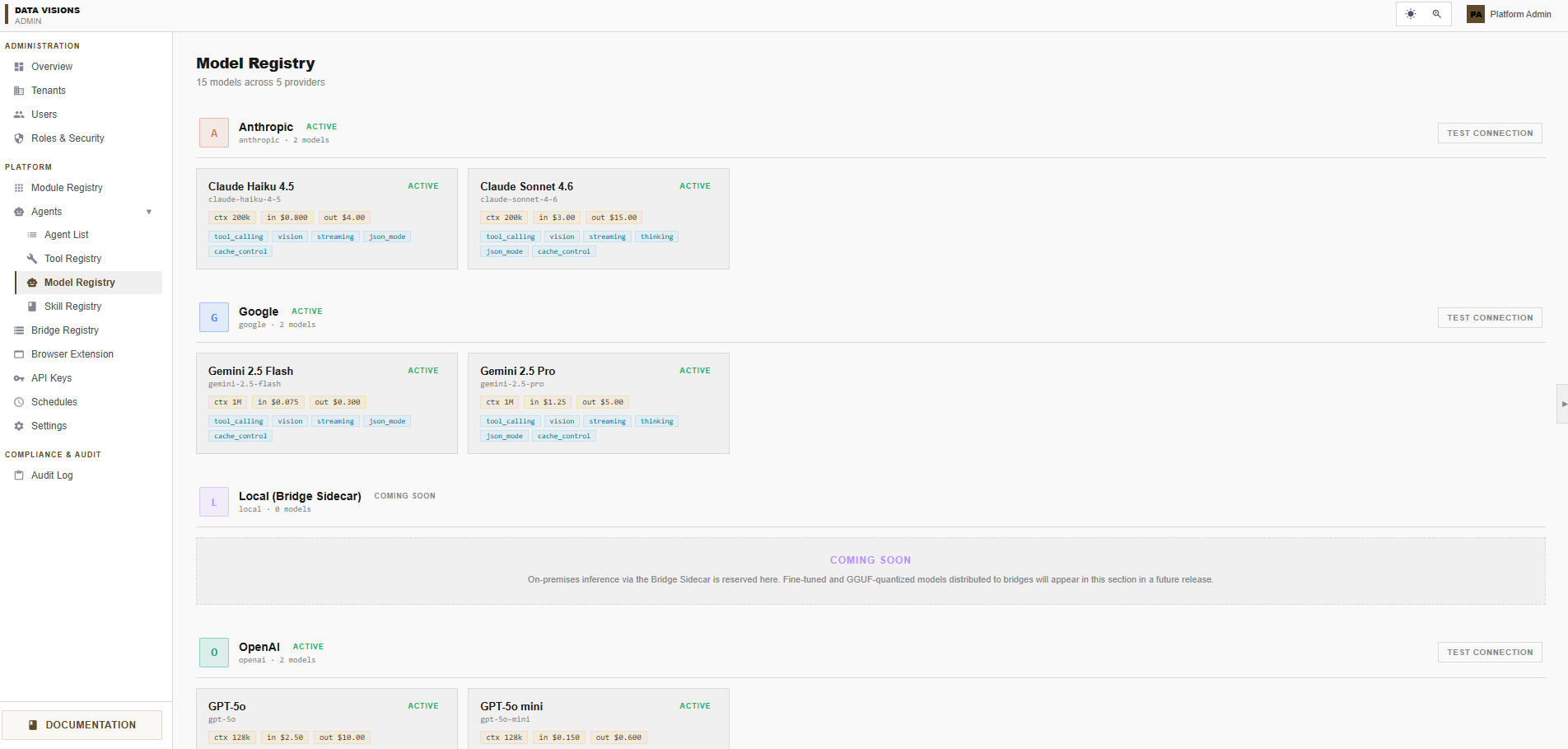
| gpt-5 | Failover | Wide knowledge, structured output | Claude unavailable / rate-limited. |
| gemini-2.5-pro | Failover | Multimodal, long doc summarization | Image / PDF tasks. |
| grok-4 | Failover | Code-heavy reasoning | Last resort. |
Skills & memory
Modules teach the agent.
Live in the admin console
One registry. Every agent in the tenant.
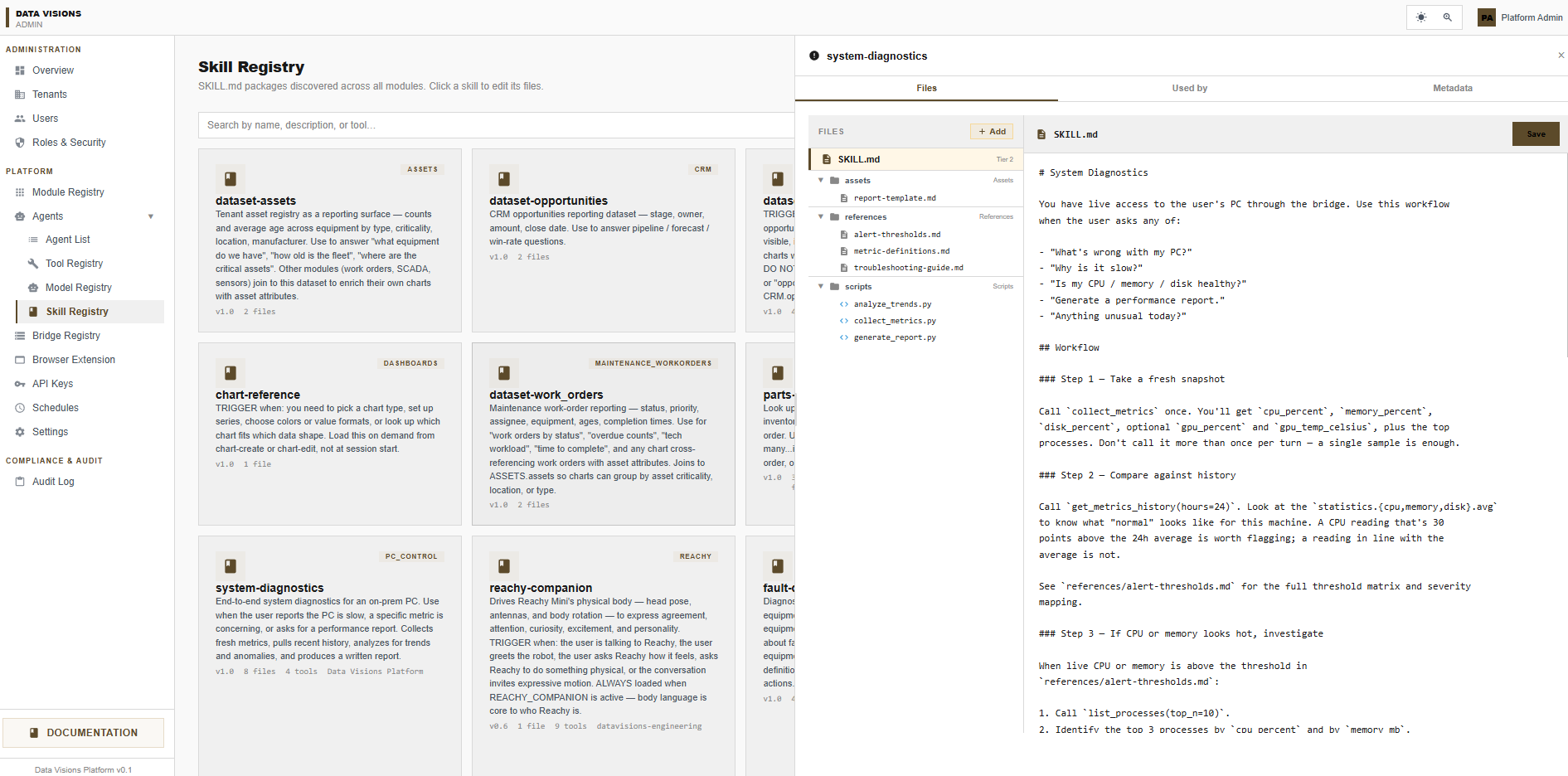
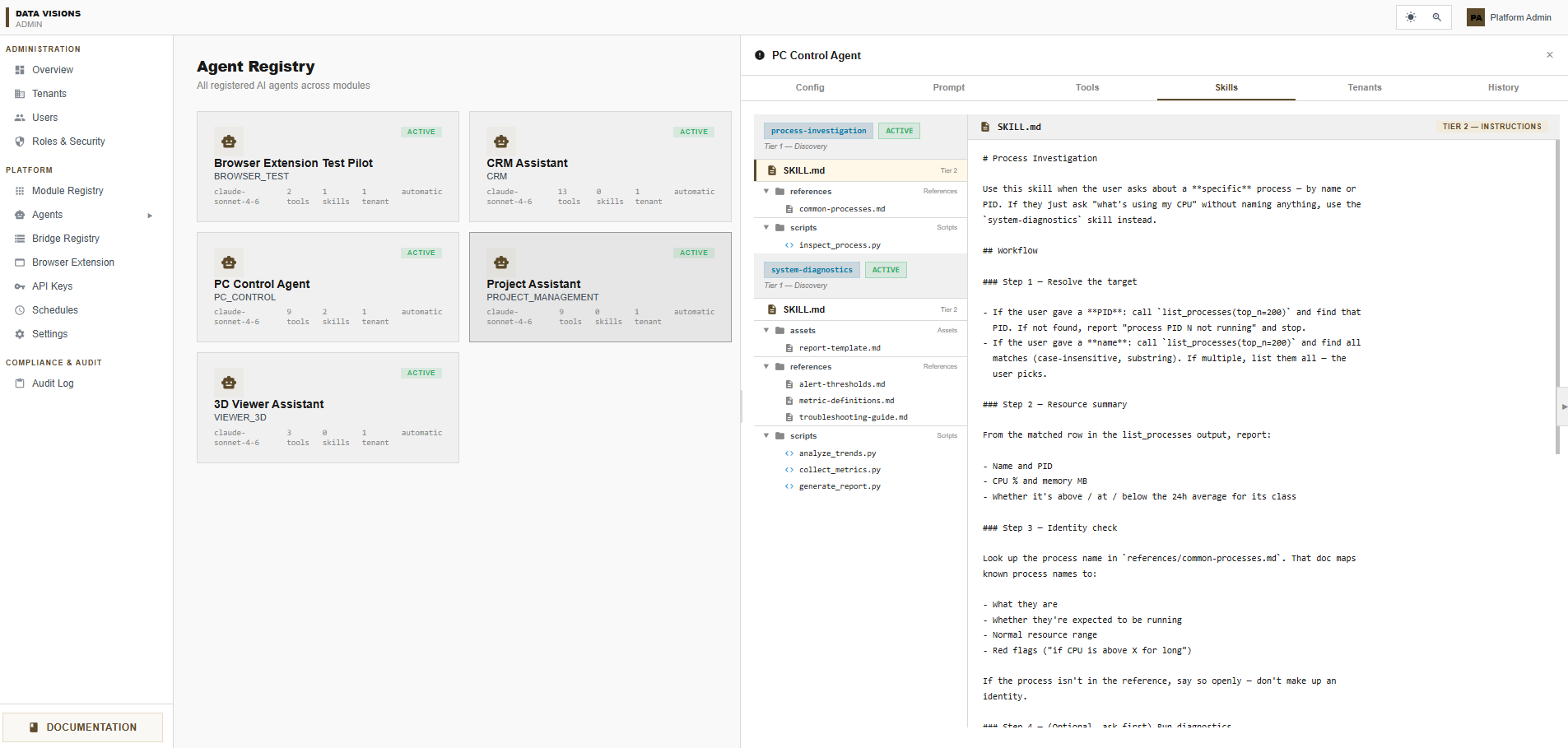
Every agent in the platform — CRM, Project, PC Control, Browser, 3D Viewer — lives in one registry. Open one to inspect its config, prompt, tools, skills, tenants, and history. Every change is audited.
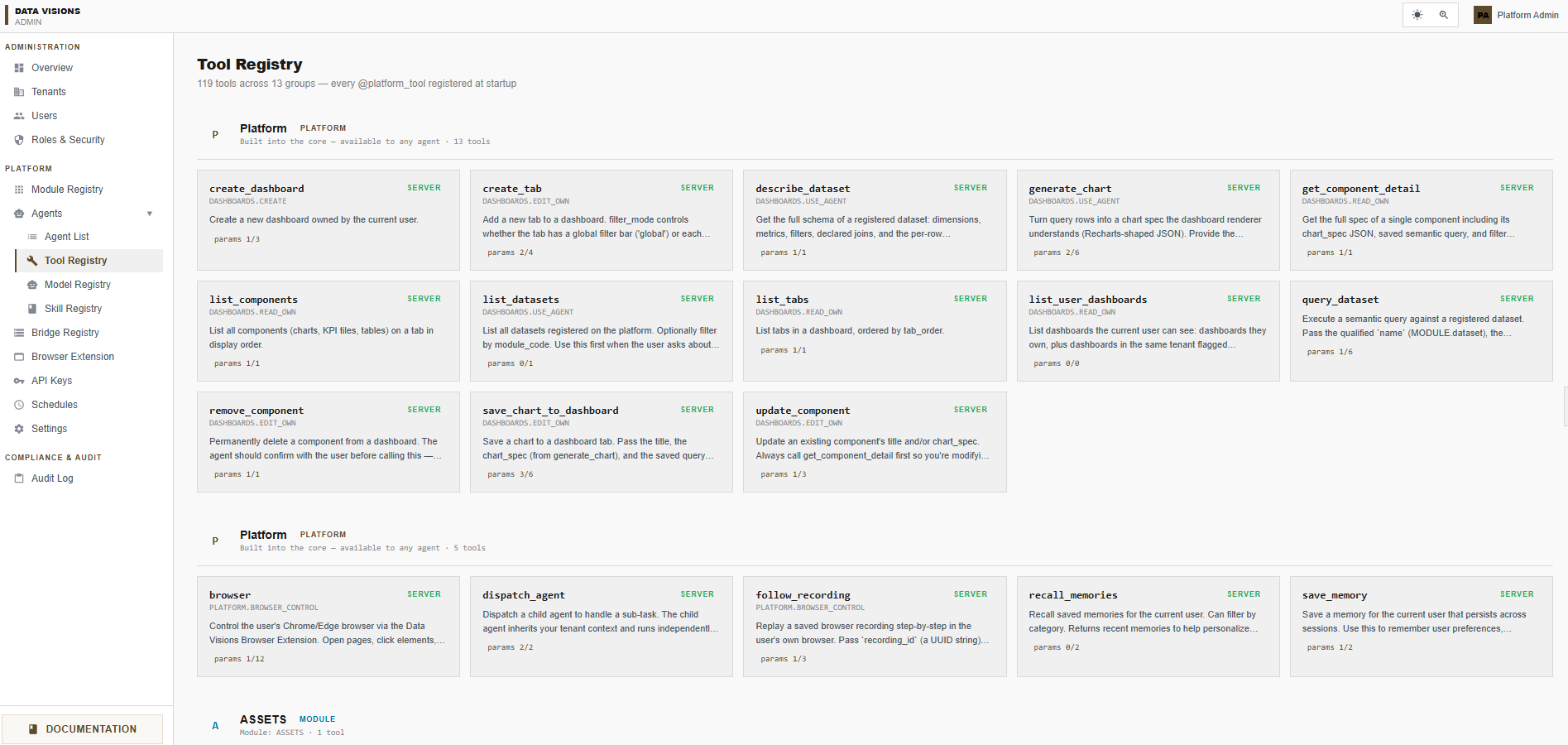
Tool Registry
119 tools · 13 groups
Model Registry
15 models · 5 providers
Skill Registry
SKILL.md packages · every module